What is CTRL Pay for foreign travellers?
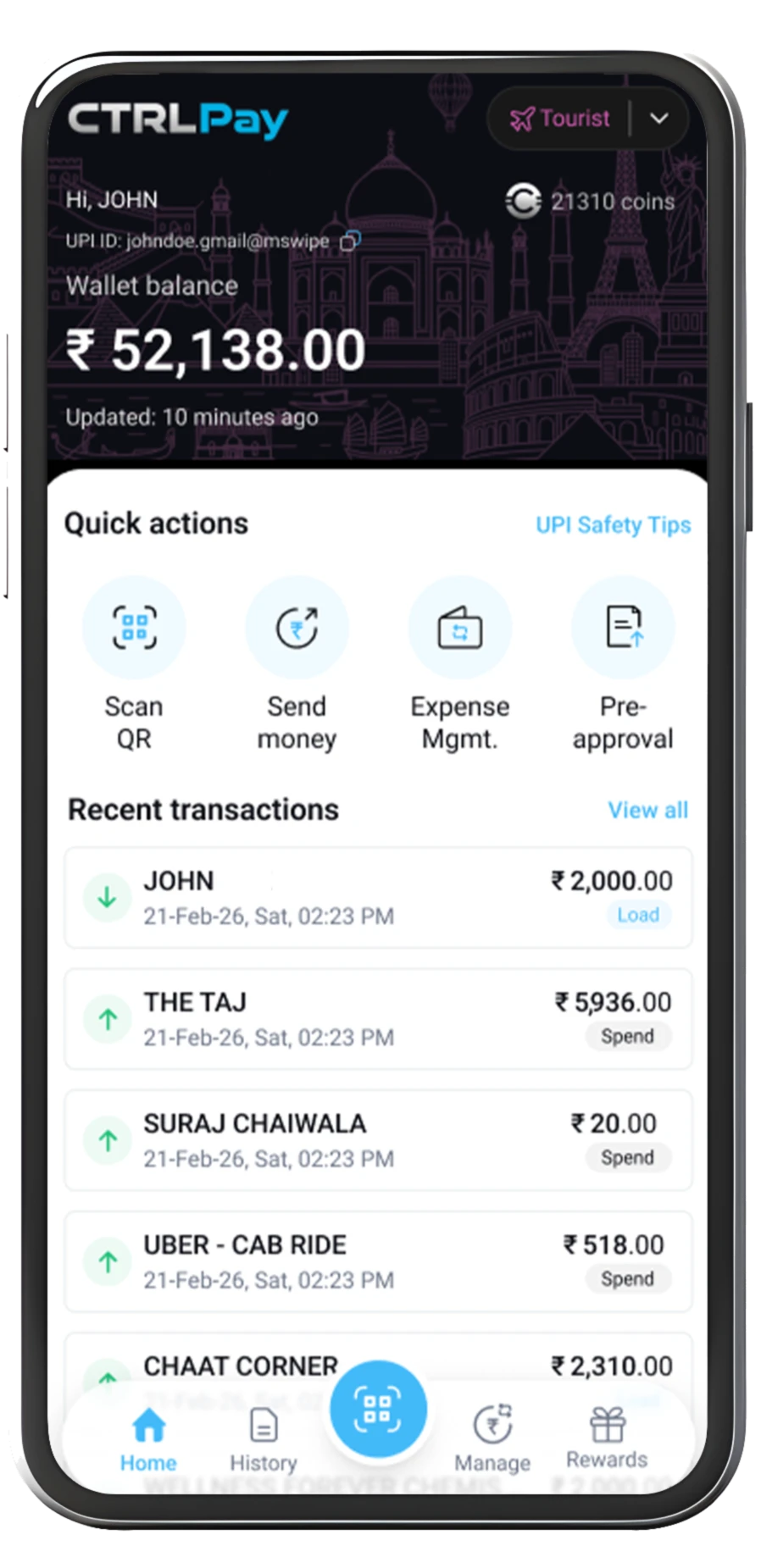
CTRL Pay is a wallet proposition designed to help eligible international visitors prepare before travelling to India, complete required verification after arrival, and pay at participating merchants once activated.
What can I do before I travel?
Download the app, register, and upload your passport and visa documents. This prepares your application for the required arrival-stage verification.
Which documents are required?
The current journey references a valid passport and visa. Final requirements, accepted visa types, and eligibility criteria are subject to product and compliance confirmation.
What happens when I arrive in India?
You must complete the required arrival verification. Exact locations, hours, and process details will be confirmed in the app or official support guidance.
When does my wallet become active?
Your wallet becomes active only after successful completion of the required verification and approval. No guaranteed activation timeline is currently stated.
How can I load the wallet?
Supported loading methods are pending confirmation. Source material references Jaywan, Visa, Mastercard, and American Express; availability and eligibility may vary.
Where can I use CTRL Pay?
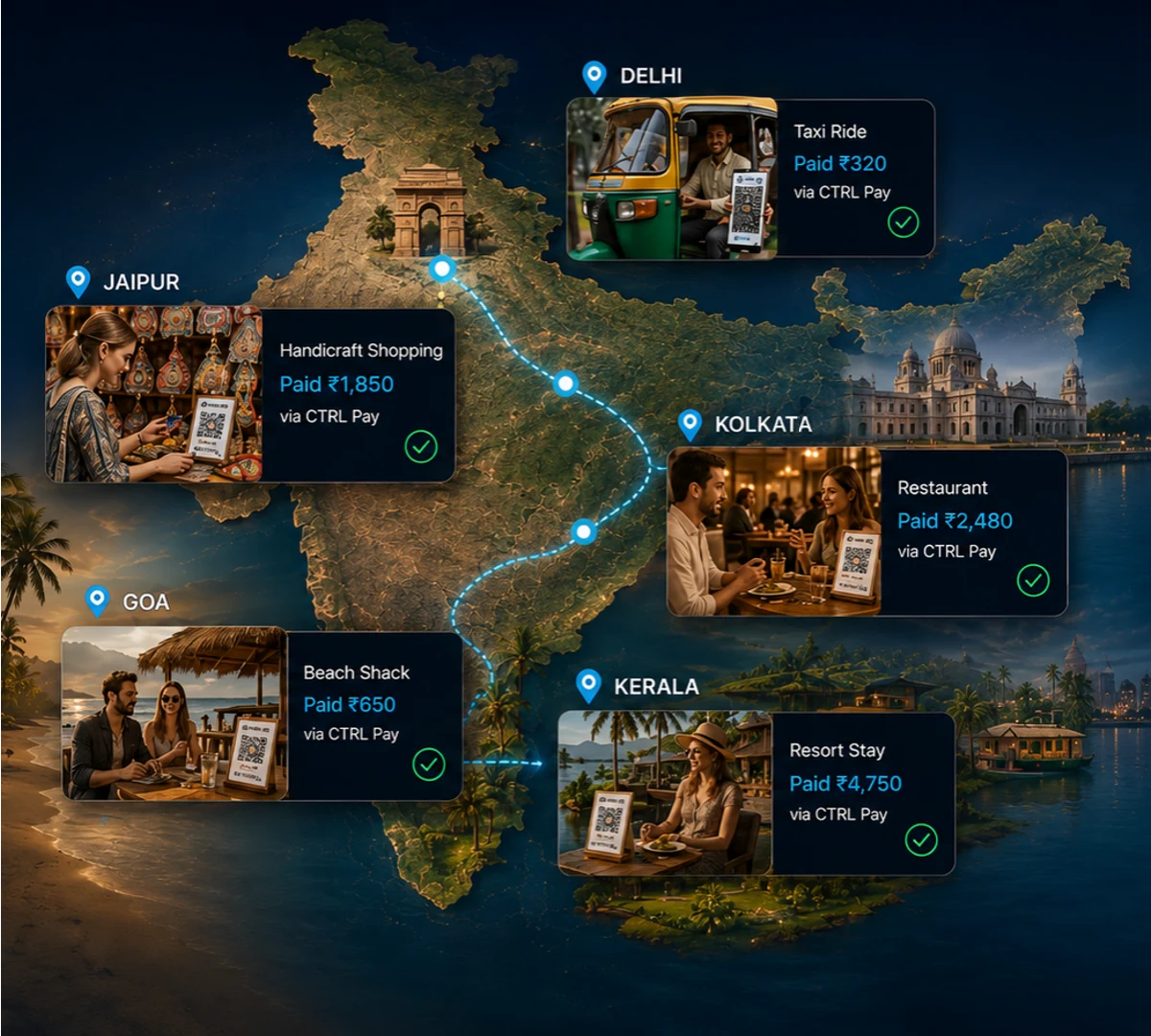
Once activated, CTRL Pay is intended for participating payment touchpoints across restaurants, hospitality, retail, and transport. Acceptance is not guaranteed everywhere.
Which payment methods do merchants accept?
Acceptance depends on the participating payment touchpoint and final product setup. Confirm supported methods in the app before attempting a transaction.
How does the Family Wallet work?
The proposed experience lets a primary user share access and define controls by user, amount, and merchant category. Final availability and limits require confirmation.
How do I get support?
Official contact channels and support hours will be added before launch. For now, please refer to the support area in the CTRL Pay app.

 Morning
 Afternoon
 Evening
 Night
Night